Written by:

Junaid Hussain Khan
How B2B Data Platforms Integrate with Your CRM
See how these platforms sync with your CRM to enrich records automatically, what data they add, and how to compare providers and pricing before choosing one.

TL;DR
- B2B data platforms link business contact data to the CRM your team already uses, so records can be enriched without manual copying.
- A typical sync matches existing records, maps enriched fields into the CRM, and can keep contact details updated over time.
- Useful enrichment includes firmographic and technographic data, decision-maker details, verified business emails and direct-dial numbers.
- Compare providers on data accuracy and freshness, coverage, CRM integration options, enrichment depth, and pricing and usage limits.
- Data platforms and sales intelligence tools overlap, so check what each product actually includes.
- ReachStream Prospect has a free plan, so teams can test filters and data coverage before choosing a plan.
Your sales team may have access to hundreds of prospects, but how much time do they spend going out and contacting them? The issue isn’t usually the prospecting per se. The issue is often with having the information in a usable state and being able to keep it up to date.
Contact details, company information, job titles and phone numbers can be sourced from a number of different places. If they’re in separate spreadsheets and tools, then the sales rep has to manually move them into the CRM. That takes time and leads to the potential for duplicate and/or out of date records.
That’s where a B2B data platform comes in. They link business contact data to the CRM that you’re already using so your sales and marketing teams can have access to the relevant prospect information without having to jump from one system to another.
This guide explains how CRM integration works, what information gets added to your records, and what to consider when comparing providers.
What Are B2B Data Platforms? A Quick Primer
Think of a B2B data platform as a central source for researching businesses and finding the right people to contact. These tools collect and organize business information, including company details, professional contact records, and decision-maker information.
A standard business contact database enables you to search for companies and individuals based on your criteria. Rather than having to go through each prospect yourself, you can apply filters and find the contacts that match your target market. Most B2B data providers offer one or more of the following capabilities:
- Access to verified business email addresses and direct-dial phone numbers.
- Company profiles with relevant business information.
- Firmographic data, such as industry, company size, and revenue.
- Technographic data showing the technologies businesses use.
- Search filters to identify relevant decision-makers.
- Contact enrichment and data export options.
Although these features overlap, different platforms serve different purposes. Some concentrate on contact discovery, while others offer enrichment, prospecting, and sales intelligence capabilities. Understanding these differences makes it easier to choose a solution that fits your existing sales process.
Why CRM Integration Matters for Revenue Teams
Your CRM should help your team manage relationships, not create additional administrative work. Without integration, a representative might find a prospect on one platform, copy their email address into a spreadsheet, check their company information elsewhere, and finally enter everything into the CRM.
This process becomes difficult to manage when the number of contacts increases. Connecting B2B data platforms with your CRM makes this process more straightforward. Depending on the integration, teams can:
- Reduce manual data entry: Contact and company information can move directly into the relevant CRM fields.
- Avoid duplicate records: Matching rules can identify existing contacts and accounts before new information is added.
- Improve data quality: Verified contact details help teams work with more reliable information.
- Support better targeting: Sales representatives can identify relevant prospects using company and contact filters.
- Improve collaboration: Sales and marketing teams can access consistent information instead of maintaining separate spreadsheets.
For growing businesses, these benefits make CRM integration an important part of an efficient sales prospecting process.
See Your CRM Enriched Automatically
How the Sync With Your CRM Actually Works
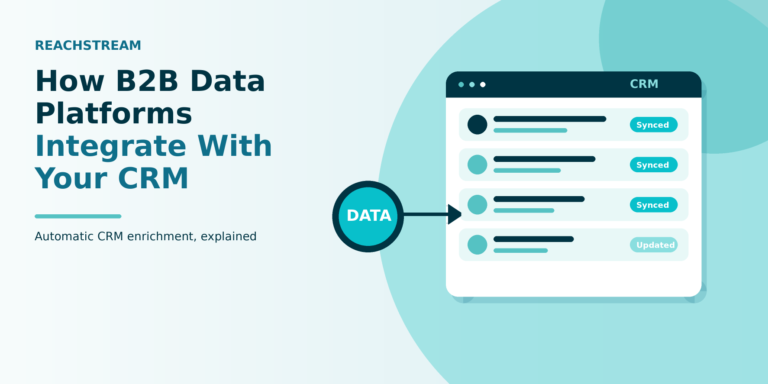
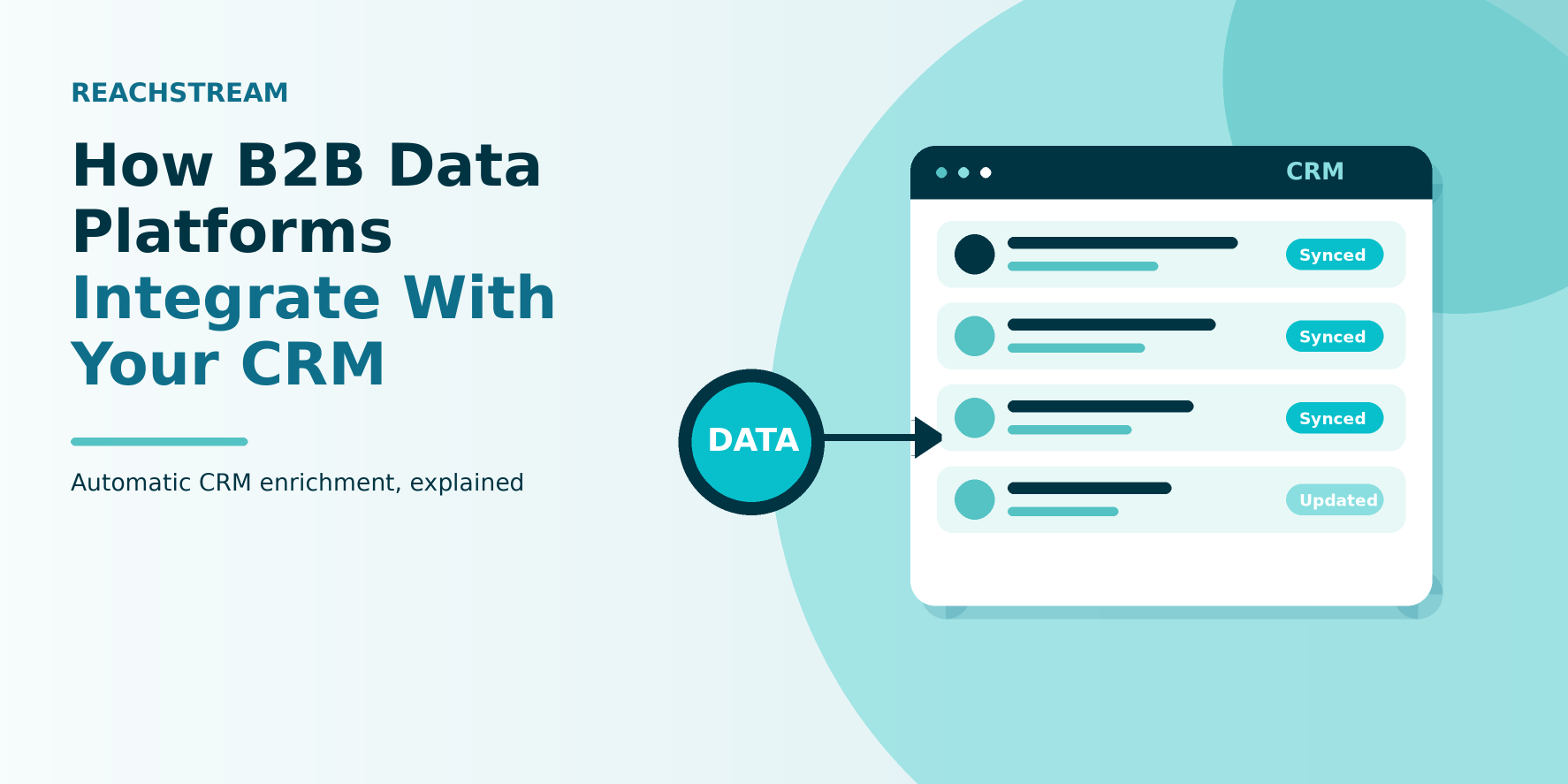
CRM integration may sound technical, but the process is relatively simple from a sales representative’s perspective. The platform connects to the CRM through a native integration, API, or supported middleware solution.
Here is how a typical integration works.
1. Match and De-Duplicate Existing Records
Before new information is added, the integration may compare incoming records with the information already stored in your CRM. Matching can use details such as email addresses, company domains, or company names. This helps identify existing contacts and accounts instead of creating unnecessary duplicates.
For example, if your CRM already contains a contact’s business email address, the integration can use that information to identify the existing record before updating it. The matching rules depend on the provider and the CRM configuration.
2. Push Enriched Information into CRM Fields
Once a matching record is identified, the platform can add or update the relevant information. This may include verified business email addresses, job titles, decision-maker information, direct-dial phone numbers, and company details.
The information is mapped to corresponding CRM fields, making it easier for sales representatives to view complete records without researching every detail separately.
3. Keep Contact Information Updated
Business information changes regularly. Employees move to different organizations, job titles change, and companies update their contact details. A one-time data import cannot account for every future change.
Some integrations support scheduled refreshes or ongoing enrichment, helping teams identify outdated information and maintain more useful CRM records. Before choosing a provider, check how often its data is refreshed and whether updates happen automatically or require manual action.
Stop Re-Typing Contact Data into Your CRM
What Gets Added to Your CRM Records
The value of an integration depends on the quality and relevance of the information it provides. A good enrichment process should add more than a name and an email address. Here are some important data categories to consider.
Firmographic Data
Firmographic data provides information about a business, including its industry, location, company size, and revenue.
These details help sales teams identify whether an organization fits their ideal customer profile. For example, a software company targeting mid-sized financial businesses can use firmographic filters to narrow its search.
Technographic Data
Technographic data shows which technologies a company currently uses.
This information is useful when selling software, technology services, or products that work with existing business tools. It helps representatives understand a company’s technology environment before starting a conversation.
Decision-Maker Information
Finding the right company is only part of prospecting. Sales representatives also need to identify the people responsible for making purchasing decisions.
Enriched records can include professional details such as job titles, seniority, departments, and business contact information.
Verified Emails and Direct-Dial Phone Numbers
Reliable contact information gives representatives more ways to reach potential customers.
Verified business email addresses can help teams reduce avoidable email delivery issues, while direct-dial phone numbers make it easier to connect with relevant professionals.
Company Profiles and Industry-Specific Contacts
Company profiles provide additional context about an organization, helping sales teams understand its business and potential requirements.
Industry-specific contacts make targeting more relevant by helping representatives find professionals within the sectors they want to reach.
Company Size and Revenue Filters
Company size and revenue filters allow teams to narrow their searches based on business requirements.
Instead of building broad prospect lists, representatives can focus on organizations that match their preferred customer profile.
Comparing B2B Data Providers and Pricing
Choosing between the best B2B data platforms requires more than comparing advertised contact volumes or monthly prices. The right solution should fit your team’s CRM, targeting requirements, and budget. When evaluating B2B data providers, consider these factors:
- Data accuracy and freshness: Check whether the provider verifies its contact information and how frequently records are refreshed. A large database is less useful when a significant portion of its information is outdated.
- Contact and company coverage: Review the availability of relevant industries, locations, job roles, and company sizes. Coverage can vary by geography and professional category.
- CRM integration options: Check whether the provider supports your existing CRM through a native integration, API, or another compatible connection.
- Enrichment capabilities: Look beyond basic contact discovery. Consider whether the solution provides company information, professional details, and other fields your sales team needs.
- Pricing and usage limits: Compare contact credits, export limits, available features, and the number of users included in each plan.
A B2B data platform comparison should also take into account the different pricing models. The B2B company database providers targeting the enterprise market will have very different packages to those that are aimed at smaller sales teams.
For example, a B2B data platform for the small business market might be all about offering an affordable entry level plan, decent search functionality and flexible usage. When you’re looking at B2B data platforms for the small business market the thing to do is check out what the various plans contain.
Also worth considering is the difference between business contact database software and more comprehensive prospecting solutions. Some products are very much focused on contact discovery, others are much more all-encompassing and incorporate research, enrichment and list building as well.
Compare Your Next B2B Data Platform Against ReachStream
How These Platforms Compare to Sales Intelligence Tools
Data platforms and sales intelligence tools are very much the same thing in many respects, just not necessarily the same thing. A B2B contact data platform is primarily about enabling you to find the right contacts and company information. That’s their main function really, to provide the sales and marketing teams with the right business records.
On the flip side you’ve got B2B sales intelligence platforms which will take contact information and augment it with all sorts of other insights (buying signals, account research, prioritisation etc). You also have B2B data enrichment platforms which will take your existing CRM records and add in the missing data or update the incomplete contact/company information.
B2B prospecting platforms will typically be used to identify prospects and build out targeted lists for outreach. B2B lead generation platforms are used to identify and attract prospects via a variety of prospecting and marketing activities.
These categories aren’t always discrete either. Many providers will package a number of the capabilities into a single product. For the sales team the key thing is to know what’s in it and whether it actually fits in with the way you work.
Conclusion
A CRM becomes more useful when its records contain accurate and relevant business information. Connecting it with a suitable data provider can reduce manual work, improve contact organization, and give sales representatives more time to focus on conversations.
When evaluating B2B data platforms, consider more than database size. Look at contact accuracy, company coverage, verification processes, CRM compatibility, enrichment capabilities, and pricing.
ReachStream offers businesses a way to discover professional contacts and company information for their prospecting activities. Its Prospect solution can be explored through a free plan, allowing teams to test relevant filters and evaluate data coverage before deciding on a suitable plan.
Ultimately, the right integration is one that fits your team’s requirements and makes prospect research and CRM management easier.
Frequently Asked Questions
What is a B2B data platform?
A B2B data platform is a tool that collects and verifies company and contact information, such as firmographic data and direct-dial phone numbers, and makes it available for sales and marketing teams to use.
What are the best B2B data platforms for sales teams?
They combine accurate, current contact and company data with easy CRM integration, so reps can act on verified records instead of researching from scratch.
How do B2B data platforms help generate leads?
They help generate leads by surfacing companies and contacts that match a team’s ideal customer profile, then supplying verified details reps can use to start outreach.
Which B2B data platform is best for startups?
The right choice usually depends on budget and team size, with smaller teams often favoring simpler, more affordable plans over enterprise focused platforms built for larger sales organizations.
What features should I look for in a B2B contact database?
Look for verified business email addresses, direct-dial phone numbers, firmographic and technographic data, and regular data refreshes alongside native CRM integration.
How do B2B data platforms compare to sales intelligence?
They focus on supplying verified contact and company records, while sales intelligence tools add buying signals and prioritization on top of that same underlying data.
Which B2B data platforms verify business email addresses?
Most established providers verify email addresses as part of their core offering, though verification accuracy and refresh frequency vary meaningfully between them.
How much does a B2B data platform cost?
Pricing varies widely by contact volume, data depth, and features, with simpler plans built for smaller teams and higher-tier plans priced for enterprise coverage and deeper enrichment.
Junaid Hussain Khan
Author
Junaid Hussain Khan

Junaid Hussain Khan is the Business Development Manager at ReachStream, adept at forging strategic partnerships and identifying new market opportunities to propel ReachStream’s growth and strengthen its position in the B2B ecosystem.
Share
Table of Contents
Access 500M+ verified business emails and grow your sales pipeline effortlessly.
Power Your Sales
with Targeted Data
Junaid Hussain Khan is a Senior Manager, Business Development at ReachStream. He leads strategic partnerships, uncovers new market opportunities, and helps drive ReachStream's growth and its position in the B2B ecosystem.
Don't forget to share this post!















Check out our other blogs!
ReachStream’s Direct Dial Database: What Makes It Different
November 4, 2026
The B2B Outbound Playbook: From ICP to First Meeting
November 4, 2026
What Is Prospecting? A Beginner’s Guide for Sales Teams
November 3, 2026