- Best Practice > Marketing > Sales
- > Article
How to Evaluate B2B Data Vendors for Accuracy and Compliance
If your reply rates have quietly dropped, your emails keep bouncing, or your SDRs are dialing numbers that ring to a stranger, the problem is rarely your messaging. It’s your data. Every contact list decays the moment you build it, people change jobs, companies rebrand, phone numbers get reassigned — and by the time you notice, a big chunk of your “warm” pipeline is actually cold, wrong, or gone entirely.
The good news: an outdated contact list isn’t a reason to start over. It’s a data quality problem, and data quality problems are fixable with the right process and the right contact data enrichment techniques. This guide walks through exactly how to diagnose, clean, rebuild, and maintain your contact database so it stays accurate long after today.
Why Your Contact List Goes Stale So Fast
B2B contact data doesn’t age gracefully. Industry estimates on email database decay range from roughly 22–30% per year, driven by job changes, company mergers, email migrations, and simple typos that never got caught. That means a list you built two years ago could be a third wrong or worse, and every wrong record is a bounced email, a wasted dial, or a prospect who unsubscribes because you clearly don’t know who they are anymore.
The most common causes of an outdated contact list include:
- Job changes and turnover – your champion moved companies six months ago and nobody updated the record
- Company changes – rebrands, acquisitions, and domain migrations break email addresses overnight
- Manual entry errors – typos, inconsistent formatting, and duplicate records from CRM imports
- One-time list imports – a purchased or scraped list that was never verified and never touched again
- No maintenance schedule – data quality only holds up when someone owns it on an ongoing basis
Step 1: Audit Before You Touch Anything
Before you clean or enrich a single record, get a clear picture of how bad the problem actually is. Pull a sample of your list and check for:
- Bounce rate on your last few sends (anything above 2–3% signals a decay problem)
- Duplicate records for the same person or company
- Missing fields — job title, phone, company size, LinkedIn URL
- Records with no activity or engagement in the last 6–12 months
This audit tells you whether you’re dealing with light touch-ups or a full rebuild, and it gives you a baseline to measure improvement against.
Step 2: Clean Before You Enrich
Data cleansing and data enrichment are often lumped together, but they solve different problems. Cleansing fixes what’s wrong in your existing records — correcting typos, standardizing phone formats and country codes, and removing duplicates. Enrichment adds what’s missing — a current job title, a verified email, a company’s tech stack. Skipping straight to enrichment on a messy list just means you’re enriching bad data faster.
A simple cleanup pass should:
- Deduplicate contacts and merge conflicting records
- Standardize formats (phone numbers, job titles, company names)
- Remove hard bounces, spam-trap hits, and unsubscribes
- Flag stale records that haven’t engaged in a defined window
Step 3: Enrich With a Waterfall Approach
Once your list is clean, the real fix for “outdated” is enrichment — reaching out to trusted external sources to refresh and complete each record. No single data provider has perfect coverage, which is why the strongest teams don’t rely on one source. They query multiple providers in sequence: if the first doesn’t have a valid email or current title, the next one is checked, and so on, until the record is filled in with verified data. Teams that adopt this waterfall approach commonly see match rates jump from around 60% to 85%+ simply by adding a second or third source to the sequence.
The core contact data enrichment techniques worth building into your process:
- API / real-time enrichment – your CRM or sales tool automatically pulls fresh data the moment a record is created or updated, so reps are never working from day-old information
- Waterfall enrichment – cascading through multiple providers to maximize match rates and accuracy, especially valuable for niche industries or international contacts
- Batch enrichment – uploading your existing (messy) CRM export and refreshing it all at once, ideal for a one-time cleanup of an old list
- AI-driven profile building – filling gaps like job role, company data, and social profiles automatically instead of manual research
- Scheduled re-verification – re-checking records on a recurring cadence (monthly or quarterly) so today’s fix doesn’t just become tomorrow’s outdated list again
Step 4: Build In Ongoing Maintenance
Cleaning and enriching your list once is necessary, but it isn’t sufficient — data decays continuously, so your process has to be continuous too. That means:
- Setting an enrichment frequency (real-time on new leads, scheduled batches for the rest of your CRM)
- Adding data quality rules at the point of entry — required fields, dropdowns instead of free text, validation on import
- Running duplicate-detection rules before syncing new records
- Reviewing engagement data regularly and re-verifying anything that’s gone quiet
A quick word of caution here: more data isn’t automatically better data. Over-enriching records with fields your team never uses just creates bloat and slows everyone down. Focus on the fields that actually drive your outreach — verified email, direct phone, current title, company size — and enrich those well rather than everything shallowly.
Common Mistakes That Make Contact Lists Go Stale Again
Even teams that do a proper cleanup often end up back where they started within a year. A few habits are usually to blame:
- Treating cleanup as a one-time project – running a single enrichment pass and then walking away guarantees the list starts decaying again immediately
- Importing new lists without verification – adding a fresh batch of contacts from a conference or a purchased list without checking them first reintroduces the same problems you just fixed
- No owner for data quality – if maintaining the CRM isn’t clearly someone’s job, it quietly falls to the bottom of everyone’s priority list
- Relying on a single data source – one provider will always have blind spots, especially for niche industries, smaller companies, or contacts outside the US
- Ignoring engagement signals – a contact who hasn’t opened an email in a year isn’t necessarily wrong, but it’s a strong signal to re-verify before you keep sending
How to Choose a Contact Data Enrichment Tool
Not all enrichment tools solve the same problem, so it helps to evaluate options against your actual workflow rather than feature lists alone. A few questions worth asking before you commit to one:
- How is accuracy verified? Look for a mix of automated checks and human/manual verification, not just an algorithm guessing at freshness.
- How often is the underlying data refreshed? A provider that refreshes every 30–45 days will keep pace with decay far better than one refreshed annually.
- Does it support both real-time and batch workflows? You’ll want real-time enrichment for new inbound leads and batch enrichment for cleaning up an existing CRM export.
- Can it plug into your existing stack? An API or native CRM integration saves your team from manual export-clean-import cycles.
- What’s the pricing model? Paying only for valid, verified contacts is a meaningfully different (and lower-risk) model than paying for bulk records regardless of accuracy.
- Is it compliant with data privacy regulations? GDPR, CCPA, and similar standards matter both for legal exposure and for the trustworthiness of the data itself.
Metrics to Track Data Quality Over Time
Fixing a list is only half the job — you also need a way to know if it’s staying fixed. Track these on a recurring basis:
- Bounce rate – the fastest signal that emails are going to invalid or outdated addresses
- Match/fill rate – the percentage of records successfully enriched with verified data on each pass
- Data freshness – how long since each record was last verified or updated
- Duplicate rate – how many records are duplicates at any given time, which indicates whether your intake process is actually working
- Engagement rate – opens, replies, and click-throughs, which often decline before you’d otherwise notice a data problem.
Reviewing these numbers monthly turns list maintenance from a reactive scramble into a simple health check.
Where ReachStream Fits Into This Process ?
Manually chasing down updated emails, phone numbers, and job titles across dozens of tabs doesn’t scale, which is exactly the gap a platform like ReachStream is built to close. Instead of treating list cleanup as a one-off project, ReachStream gives you a single place to refresh an old list and keep it that way:
- 500M+ verified B2B contacts across 150+ countries and 400+ industries, so you can re-match old records against current, accurate data instead of guessing
- Built-in email verification with 95% data accuracy, so you can validate an entire existing list in bulk before your next send and cut bounce rates immediately
- Data refreshed every 45 days, which directly counters the natural decay that made your list stale in the first place
- A Chrome extension that lets your team re-verify and enrich a contact straight from LinkedIn while prospecting, instead of exporting to a spreadsheet first
- ReachAPI for teams that want enrichment wired directly into their CRM as a real-time or scheduled workflow, rather than a manual export-clean-import cycle
- Pay-only-for-valid-emails pricing, so a batch cleanup of your existing CRM doesn’t mean paying for records that turn out to be dead ends
If you’re staring at a CRM full of contacts you no longer trust, running that list through a platform built for verification and enrichment, rather than trying to fix it row by row, is usually the fastest path back to a list you can actually use.
Conclusion
An outdated contact list is a symptom, not a life sentence for your database. Audit what you have, clean before you enrich, use a waterfall approach across multiple sources to maximize accuracy, and put a maintenance cadence and clear metrics in place so the fix sticks. Do that consistently, and “old, outdated contact list” stops being a recurring problem — and starts being a one-time cleanup you never have to repeat.
Claim 100 free leads to see data quality in action
Frequently asked questions
1. How often should I clean and enrich my contact list?
At minimum, run a full batch enrichment quarterly, with real-time enrichment on new leads as they enter your CRM. Given that data decays by roughly 20–30% a year, waiting longer than a quarter usually means starting from a bigger hole each time.
2. What's the difference between data cleansing and data enrichment?
Cleansing corrects what’s already in your database — typos, duplicates, formatting inconsistencies. Enrichment adds what’s missing, like a verified email, current job title, or company details. You typically need both, in that order.
3. Can I fix an outdated list without buying a new one?
In most cases, yes. A clean-then-enrich process using verified external data sources can recover the large majority of an existing list rather than requiring a full replacement.
4. How much of my list is actually likely to be outdated?
It depends on how long it’s been since your last update, but with typical annual decay rates of 22–30%, a two-year-old list can easily be a third wrong or more.
5. Is waterfall enrichment worth the extra setup?
For most teams, yes — checking a second or third data source when the first doesn’t return a match commonly lifts match rates from around 60% to 85%+, which is a meaningful difference in coverage for the same list.
6. How often should a B2B mailing list be updated?
There is no universal schedule. The right frequency depends on how quickly contact and company information changes in your target market. Regular validation and maintenance can help keep your data useful.
N S Samartha
Marketing professional, specializing in SEO, content strategy, social media, performance marketing, prospecting, and demand generation.
Share
Table of Contents
Access 500M+ verified business emails and grow your sales pipeline effortlessly.
Power Your Sales
with Targeted Data
Don't forget to share this post!















Check out our other blogs!
ReachStream’s Direct Dial Database: What Makes It Different
November 4, 2026
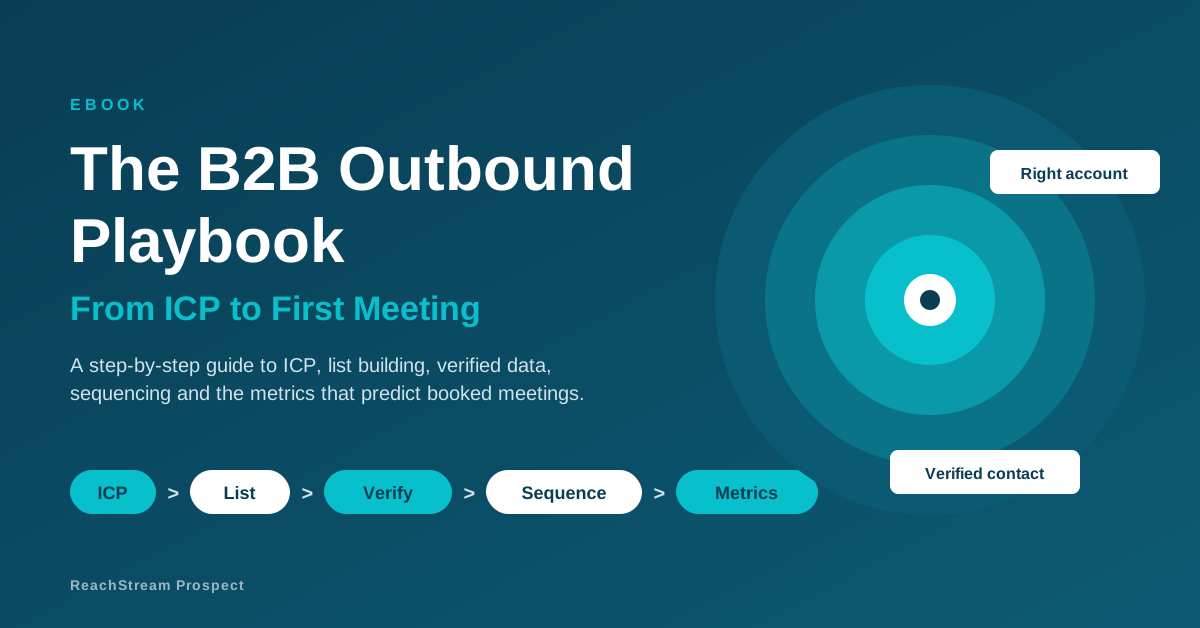
The B2B Outbound Playbook: From ICP to First Meeting
November 4, 2026
What Is Prospecting? A Beginner’s Guide for Sales Teams
November 3, 2026