How to Evaluate B2B Data Vendors for Accuracy and Compliance
Written by:

Junaid Hussain Khan
How to Verify an Email Address: Methods and Tools (2026)
>How to Verify

TL;DR
- Knowing how to verify an email address means checking format, domain, and mailbox activity before you send.
- Free manual methods like MX record lookups catch some bad addresses, but they cannot confirm a mailbox is truly active.
- Automated tools combine several checks and return a clear status instead of a guess.
- Bulk email verification is the practical approach for anyone checking a list rather than a single contact.
- Skipping verification raises bounce rates and puts your sender reputation at risk.
- Email list decay means a list that was accurate a year ago has almost certainly gone stale in places.
- Good email hygiene is a repeated habit, not a one-time cleanup before a big send.
- ReachStream Email Verifier handles both single lookups and bulk checks with clear, specific statuses.
Introduction
At some point, almost every sales rep, marketer, or founder has typed an email address into a form and wondered if it will land into right inboxes. Sending emails to addresses that bounce is not just annoying, it chips away at your sender reputation and skews every metric you rely on.
This guide covers how to verify an email address using both free manual methods and automated tools, and how the approach changes when you need to verify emails one at a time versus verify an email list of a few thousand contacts. By the end, you will know which method fits which situation, and where each one falls short.
What Does Verifying an Email Address Mean?
Verifying an email address means confirming three things: the address is formatted correctly, the domain it belongs to can receive mail, and the specific mailbox is active. Any check that stops before the third step is a partial check, not a full one.
This is different from simply glancing at an address and deciding it looks real. A well-formatted address on a real domain can still be inactive. People leave jobs, companies shut down old accounts, and disposable email addresses expire by design. Real verification catches all three failure points, not just the obvious ones.
Tip
Treat “looks fine” and “verified” as two different things. An address can pass a visual check and still bounce the moment you send it.
Why Email Verification Matters
Every list decays. This is not a reflection of how the list was built, it is simply what happens over time as people change roles, companies merge, and old accounts get shut down. Email list decay is constant and invisible until you send to a stale address and watch it bounce.
Bounce rates matter because mailbox providers like Gmail and Outlook use them as a trust signal. Cross a certain bounce threshold and your sender reputation takes a hit, which can affect delivery even to contacts who genuinely want your email. This is true whether you are sending one campaign or running outreach at scale.
Expert Insight
Experienced SDR teams do not wait for a bounce report to tell them a list has gone stale. They build verification into the workflow before every major send, treating it as routine rather than a fire drill.
How to Verify an Email Address Manually
There are a few free ways to check a single email address without any paid tool. Each one has real limits, but they are worth knowing.
- Check the format: Confirm the address has a valid structure, one “@” symbol, a domain, and no obvious typos. This catches simple mistakes and nothing else.
- Look up MX records: Every domain that can receive mail has MX records pointing to its mail servers. A quick MX record lookup tells you whether the domain accepts mail at all. No MX records means the domain cannot receive email, regardless of the mailbox name.
- Search the address: A quick search for the exact email address sometimes turns up a public profile or a directory listing, which can hint at whether it is active.
- Try the SMTP handshake trick: Advanced users can connect to the receiving mail server and attempt a mail transaction without actually sending anything, to see if the server confirms or rejects the mailbox. This requires technical comfort and does not work on servers configured to accept all addresses.
Common Mistake
Assuming a passed MX record check means the mailbox is active. MX records only confirm the domain can receive mail, not that a specific address does. This is the single most common reason manual checks give a false sense of confidence.
How to Verify an Email Address with a Tool
Manual checks are fine for the occasional single lookup, but they do not scale, and they miss things a proper checker catches. Tools built to validate emails automatically run the same checks manually described above, plus a few manual methods cannot replicate.
Email Verification Tools generally add the following on top of manual checks:
- Disposable email detection: Automatically flags temporary or throwaway addresses that manual searching would not catch.
- Catch-all detection: Identifies domains configured to accept mail for any address, which manual SMTP checks often misread as a live mailbox.
- Role-based address flags: Points out generic addresses like info@ or sales@ that are technically deliverable but rarely useful for outreach.
- A clear status: Instead of a guess, you get a specific result such as Valid, Invalid, Risky, Catch-All, Unknown, or Do Not Mail.
Pro Tip
When you verify any email address through a tool, check whether it performs a live mailbox-level check or just a domain check. Some tools marketed as verifiers only do the equivalent of an MX record lookup, which is not enough on its own.
Try ReachStream Email Verifier for Free
Run a single lookup or check an entire list, and get a clear status for every address in seconds.
Manual Checks vs Verification Tools
| Differentiator | Manual Methods | Verification Tools |
|---|---|---|
|
Speed |
Slow, one address at a time |
Fast, handles bulk lists |
|
Accuracy |
Catches format and domain issues only |
Checks format, domain, and mailbox activity |
|
Catch-all handling |
Usually cannot detect |
Flags catch-all domains clearly |
|
Disposable detection |
Manual and unreliable |
Automatic |
|
Best for |
A single address, occasional use |
Ongoing sales and marketing workflows |
Manual methods are not useless. They are a reasonable first check for a single address when you do not want to sign up for a tool. But for anything beyond a handful of addresses, the time cost alone makes a dedicated checker the more practical choice.
How to Verify a Bulk Email List
Checking one address is one problem. Learning how to verify email list data for a few thousand B2B contacts is a different problem entirely, and manual methods do not scale to it. Teams that verify B2B emails at any real volume need a process, not a one-off check.
Email validation for B2B lists specifically needs to handle catch-all domains and role-based addresses well, since B2B contact data leans heavily on both.
Quick Checklist for Bulk Email Verification
- Export your list in a clean format, typically a CSV with one column for email addresses.
- Upload the file to a tool that supports batch processing rather than checking addresses one by one.
- Review the status breakdown once results come back, not just a single pass or fail count.
- Remove Invalid and Do Not Mail addresses before your next send.
- Handle Risky and Catch-All addresses with more caution, some teams send to them at reduced volume as a test.
- Keep the verified list separate from your raw import so you can track what has and has not been checked.
Industry Insight
Teams running B2B outreach at volume generally treat bulk verification as a required step before any new list goes into an active sequence, not an optional cleanup step reserved for problem lists.
ReachStream Email Verifier supports batch uploads for exactly this use case, so a sales or RevOps team can verify a purchased or existing list before it ever reaches a sequence.
Talk to Sales
Verifying a large or complex B2B list? Our team can walk through the best approach for your data.
Common Mistakes When Verifying Emails
A handful of mistakes come up again and again, whether someone is checking a single address or a full list.
- Treating a syntax check as a full verification: Correct formatting says nothing about whether the mailbox is active.
- Ignoring catch-all results: A Catch-All status is not the same as Valid, and treating it that way inflates your sense of list quality.
- Verifying once and never again: Lists decay. An address that was Valid a year ago may not be today.
- Skipping verification on "trusted" sources: Even reputable data needs periodic re-checking, since contacts still change roles and companies.
- Sending to Risky addresses at full volume: This is one of the fastest ways to spike bounce rates on a list that seemed fine at a glance.
Best Practice
Build a habit of verifying any new list before its first send and re-verifying older lists before a major campaign, rather than treating verification as a one-time gate.
Choosing Between Email Verification Vendors
Not every provider works the same way, and the differences matter more once you are relying on the results to make sending decisions.
- Check status detail: A vendor that only returns “valid” or “invalid” is less useful than one that separates out Risky and Catch-All results.
- Confirm it does bulk and single lookups: Some tools are built only for bulk uploads and are clunky for a quick one-off check, or vice versa.
- Look at compliance posture: For B2B teams handling contact data across regions, checking whether a vendor addresses frameworks like GDPR, CCPA, PIPEDA, and DPDPA matters.
- Test before committing: Free credits or a trial let you compare accuracy against a small sample of your own list before deciding.
- Consider how it fits your workflow: A standalone checker is simple to adopt without disrupting your existing CRM or outreach platform.
Expert Insight
RevOps teams that have evaluated multiple providers rarely pick one based on marketing claims alone. They run the same sample list through two or three vendors and compare the actual status breakdown before deciding.
ReachStream Email Verifier returns five distinct statuses, supports both single and bulk checks, and offers free credits on signup so you can test it against your own data first.
Best Practices for Email Hygiene
Verification is one part of a broader habit that keeps your sending healthy over time.
- Verify at the point of collection whenever possible, so bad addresses do not make it into your database in the first place.
- Re-verify dormant segments before running re-engagement campaigns, since inactive contacts are the most likely to have gone stale.
- Segment by status rather than treating your list as one uniform group.
- Warm up new sending domains gradually, since even a clean list can trigger spam filters if sent from a brand-new domain at high volume.
- Track bounce rates over time, not just per campaign, to catch a slow decline in list quality early.
Pro Tip
If your email marketing calendar includes a recurring newsletter, put list verification on the same recurring calendar rather than waiting until someone notices the bounce rate creeping up.
Final Thoughts
Knowing how to verify an email address is a practical skill, not a one-time task. Manual methods work for the occasional single check, but they do not scale and cannot confirm mailbox-level activity the way a proper tool can. For anything beyond a handful of addresses, especially a B2B list you plan to send to repeatedly, an automated checker with bulk support is the more reliable path.
The core habit that matters most is repetition. Email list verification works best as a repeated step, not a rare cleanup. Verify before you send, segment by status, and re-check lists that have been sitting unused. Email list decay is constant, and treating verification as routine maintenance rather than a one-time task is what keeps your sender reputation intact.
Try ReachStream Email Verifier Free
Check a single address or an entire list, and see exactly where you stand before you hit send.
Frequently Asked Questions
What is the fastest way to verify an email address?
Using an email checker such as ReachStream Email Verifier is the fastest method, since it runs format, domain, and mailbox-level checks in seconds and returns a clear status instead of requiring manual lookups.
Can I verify an email address without sending anything?
Yes. Most verification methods, including MX record checks and SMTP-level checks used by verification tools, confirm deliverability without actually sending a message to the inbox.
What does it mean if an email address is marked “Risky”?
A Risky status usually means the address sits on a catch-all domain or has low-confidence signals, meaning the mailbox may or may not be active. It is not the same as Invalid, but it warrants caution.
How do I verify a bulk email list?
Export the list as a CSV, upload it to a tool such as ReachStream Email Verifier that supports batch processing, review the status breakdown, and remove Invalid and Do Not Mail addresses before sending.
Does verifying an email list guarantee low bounce rates?
No method offers a full guarantee, since a mailbox can become inactive between the time you verify it and the time you send. However, ReachStream Email Verifier ensures you get 99.8% email deliverability, which significantly reduces the risk.
How is validating an email different from verifying email?
Validation typically refers to format and domain checks. Verification goes further and checks whether the specific mailbox is active, usually through a real-time check against the mail server.
How often should I verify my email list?
Before every major send, and at minimum every few months for lists that stay in regular use, since email list decay happens continuously.
Is a disposable email address the same as an invalid one?
Not exactly. A disposable email address may be technically valid and active for a short time, but it is designed to expire, which makes it a poor target for any outreach meant to build a lasting relationship.
Is ReachStream Email Verifier free to try?
Yes, ReachStream Email Verifier offers a 30-day free trial with 100 credits, so you can test both single and bulk email verification using your own data before upgrading to a paid plan.
Junaid Hussain Khan
Author
Junaid Hussain Khan

Junaid is Senior Manager – Brand Growth & Strategy at ReachStream, where he drives content, SEO, and growth strategy for B2B sales and marketing teams.
Share
Table of Contents
Access 500M+ verified business emails and grow your sales pipeline effortlessly.
Power Your Sales
with Targeted Data
Junaid Hussain Khan is a Senior Manager, Business Development at ReachStream. He leads strategic partnerships, uncovers new market opportunities, and helps drive ReachStream's growth and its position in the B2B ecosystem.
Don't forget to share this post!















Check out our other blogs!

ReachStream’s Direct Dial Database: What Makes It Different
November 4, 2026
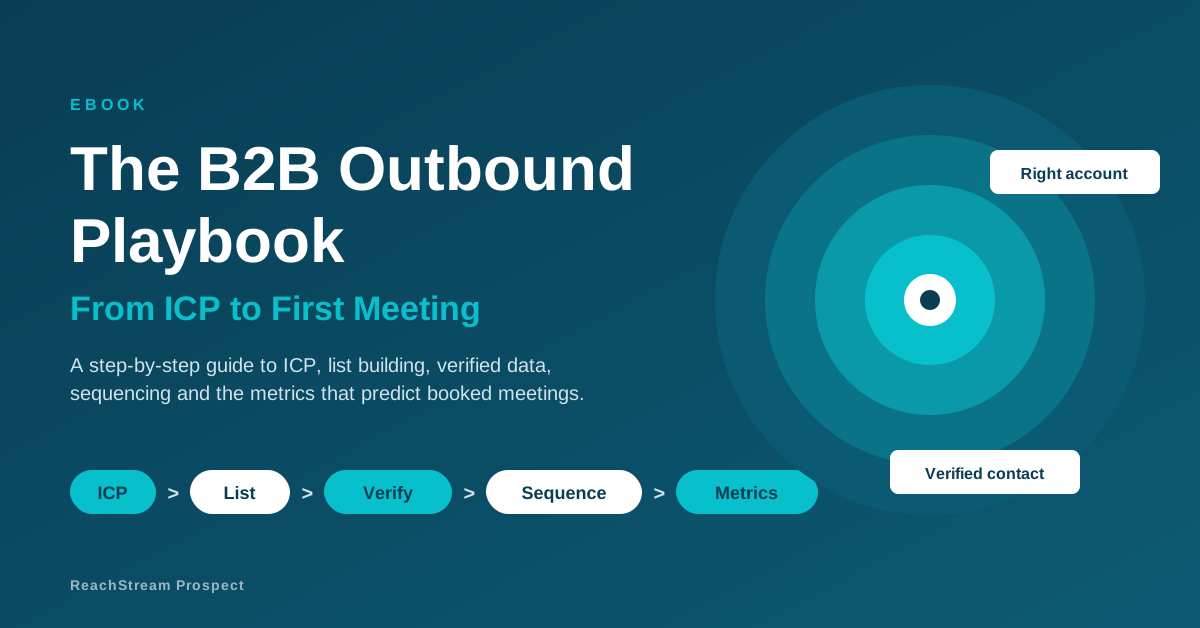
The B2B Outbound Playbook: From ICP to First Meeting
November 4, 2026

What Is Prospecting? A Beginner’s Guide for Sales Teams
November 3, 2026