



> Marketing
How to Evaluate B2B Data Vendors for Accuracy and Compliance

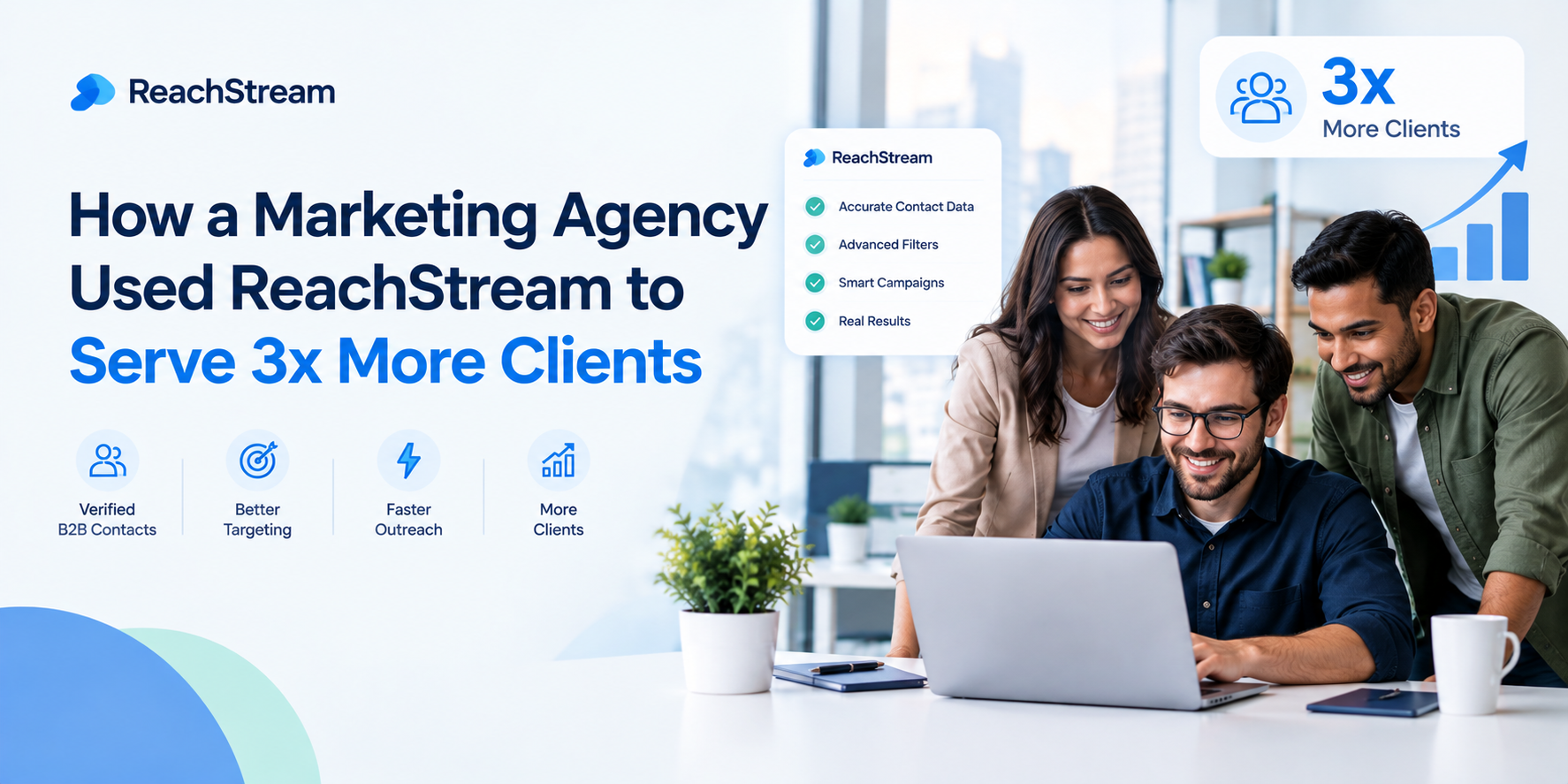
Marketing agencies use ReachStream Prospect to pull verified B2B contact and company data for multiple client accounts from a single platform, instead of researching each client’s target list manually. If you’re looking at a reachstream case study agency example, this is the actual mechanic behind it, but a repeatable workflow that lets a team run more client accounts without new client.
That workflow rests on three things: verified contact data so campaigns don’t stall on bad emails, filters specific enough to build a fresh list per client’s ICP in minutes rather than days, and reporting clean enough to show each client what their budget is actually producing.
Yes, ReachStream is built for B2B marketing agencies specifically, not just adapted for them. Agencies run into a version of prospecting that single-company sales teams don’t: multiple ICPs, multiple sending domains, multiple sets of client-facing reports, often all being worked in the same week by the same small team.
ReachStream for agencies means being able to filter by industry, company size, and seniority per client rather than working from one shared, generic list. An agency running a healthcare client and a fintech client at the same time needs two genuinely different lists built quickly, not one broad export split awkwardly in half after the fact.
Multi-client prospecting breaks down fastest when client lists, sending domains, and reporting all blur together. ReachStream supports multi-client lead generation by letting an agency build a distinct, filtered list per client from the same underlying database, so client A’s list is never accidentally overlapping with client B’s.
This matters more than it sounds. Two clients in adjacent industries can end up targeting similar companies if lists aren’t built carefully per ICP, and having the same prospect contacted by two different campaigns from the same agency is the kind of mistake that’s hard to explain to either client afterward.
An agency doesn’t need a separate license or a separate tool per client to keep work properly separated, it needs disciplined list-building and campaign structure inside one platform. Pulling each client’s contact list with filters scoped to that client’s ICP, and keeping campaigns, sequences, and sending domains organized by client rather than merged into one shared pool, does most of the work without any tool.
The alternative, a different prospecting tool for every client because “that’s what the client already uses,” is exactly what creates the workflow fragmentation that limits how many accounts a small team can actually run well.
ReachStream helps an agency generate leads for clients by shortening the distance between “we signed a new client” and “we’re sending them qualified outreach.” With 500M+ contacts, 50M+ companies, and 100M+ direct dials 35% Direct dails, filterable by industry, seniority, and company size, an agency can build a client-specific prospect list in the time it used to take to just research the client’s market.
Qualified leads for a client depend on the list matching that client’s actual ICP, not a generic template reused across every account. That’s where filtering depth does the real work, a broad, unfiltered export produces volume, not qualified leads.
Scale agency client acquisition without adding headcount comes down to removing the manual research step that eats the most time per new client. When list-building for a new client’s ICP takes minutes instead of days, the same team that handled five accounts can reasonably handle eight or ten without anyone burning out on research work that adds no strategic value.
This is the practical version of what a reachstream case study agency scenario usually looks like in practice: not one dramatic multiplier, but a steady reduction in the time cost of taking on each additional client, which compounds as client count grows.
Search verified contact and company data with the per-client filtering agencies actually need, without juggling a separate tool for every account.
ReachStream improves lead quality for agencies primarily through verification and filtering depth, not volume. A list of ten thousand loosely matched contacts produces a worse response rate than a list of one thousand tightly filtered, verified ones, and agencies get measured on response rate and conversion rate, not raw lead volume.
B2B data freshness matters here too. A contact list that was accurate when a client onboarded six months ago has likely decayed since, verified, current data keeps bounce rate and response rate from quietly drifting the wrong direction over a client relationship’s lifetime.
| Approach | Setup time per client | Data quality control | Reporting effort | Cross-client risk |
|---|---|---|---|---|
|
Manual research per client |
Setup time per client |
Data quality control |
Reporting effort |
Cross-client risk |
|
Spreadsheet + shared list |
Setup time per client |
Data quality control |
Reporting effort |
Cross-client risk |
|
ReachStream Prospect for Agencies |
Setup time per client |
Data quality control |
Reporting effort |
Cross-client risk |
Agency workflow automation with ReachStream mostly means removing manual steps from list-building and campaign deployment, not replacing an agency’s existing CRM or sequencing tool. Pulling a verified, filtered list directly from ReachStream and feeding it into whatever campaign execution tool a client already keeps the agency’s existing stack intact while fixing.
Its AI Conversational Search can make it faster to describe a new client’s ICP in plain language instead of stacking manual filters from scratch for every account, which matters most in the first week of a new client relationship when speed to first campaign is what clients notice.
ReachStream plans for agencies scale with client count rather than forcing a single flat tier regardless of how many accounts you’re running. An agency can start on a smaller plan while proving the workflow on one or two accounts, then move to a higher tier as client count and required list volume grow, without needing a different platform at any point in that growth.
For agencies specifically, the plan question usually comes down to export volume and how many separate client lists need building each month, not features, since filtering, verification, and AI Conversational Search are available across the platform rather than gated behind the top tier.
Pull a sample list for one client’s ICP and compare the build time and data quality against your current process.
Marketing agencies use ReachStream to solve a specific problem: taking on a new client shouldn’t mean weeks of manual list research before the first campaign goes out. Verified contact data, per-client filtering, and clean reporting are what let a lean team run more accounts without each new client adding a proportional amount of headcount.
Rather than one dramatic case study number, the realistic version of this story is a steady reduction in the time and risk cost of onboarding each additional client, verified data, filtered lists, and reporting that’s ready before the client asks. Those fundamentals right, and scaling client count becomes a workflow problem, not a headcount problem.
See how ReachStream Prospect combines verified data with the filtering and reporting agencies need to take on more clients.
Marketing agencies use ReachStream to pull verified, filtered contact and company data for each client’s specific ICP from a single platform, rather than researching each account’s target list manually or relying on a shared, generic export across clients.
ReachStream can help an agency generate leads for clients by cutting the time between signing a new client and sending qualified outreach. Filtering by industry, seniority, and company size lets an agency build a client-specific list quickly instead of starting from a generic template.
Yes. ReachStream is built with the filtering depth and per-account flexibility B2B marketing agencies need, handling multiple ICPs and multiple client accounts from one platform rather than a tool designed around a single company’s single target market.
ReachStream supports multi-client lead generation by letting an agency build a separate, filtered list per client from the same database, keeping each account’s targeting distinct instead of working from one shared, generic list across every client.
ReachStream improves lead quality mainly through verification and filtering depth rather than volume. A smaller, tightly filtered, verified list consistently outperforms a larger, loosely matched one on response rate and conversion rate, which is what clients ultimately judge an agency’s work by.
Track pipeline generated and qualified leads per client campaign, not just emails sent or opens. Compare conversion rate and response rate against each client’s baseline before ReachStream, that comparison is what actually demonstrates ROI in a client report.
Author

Abdulkareem Satarkar is Software Engineering Manager at ReachStream, leading the development of scalable software solutions for B2B sales and marketing teams.
Access 200M+ verified business emails and grow your sales pipeline effortlessly.
Don't forget to share this post!















Check out our other blogs!
How Marketing Agencies Use ReachStream to Serve More Clients
Is Buying B2B Data Legal? What You Need to Know
Intent Data: What It Is and How to Use It for Campaign Targeting
What Mid-Market SaaS Teams Need in Lead Gen Tools